Majestic Win Withdrawal Failed: Why It Happens and How to Fix It
Majestic Win Withdrawal Failed: Why It Happens and How to Fix It
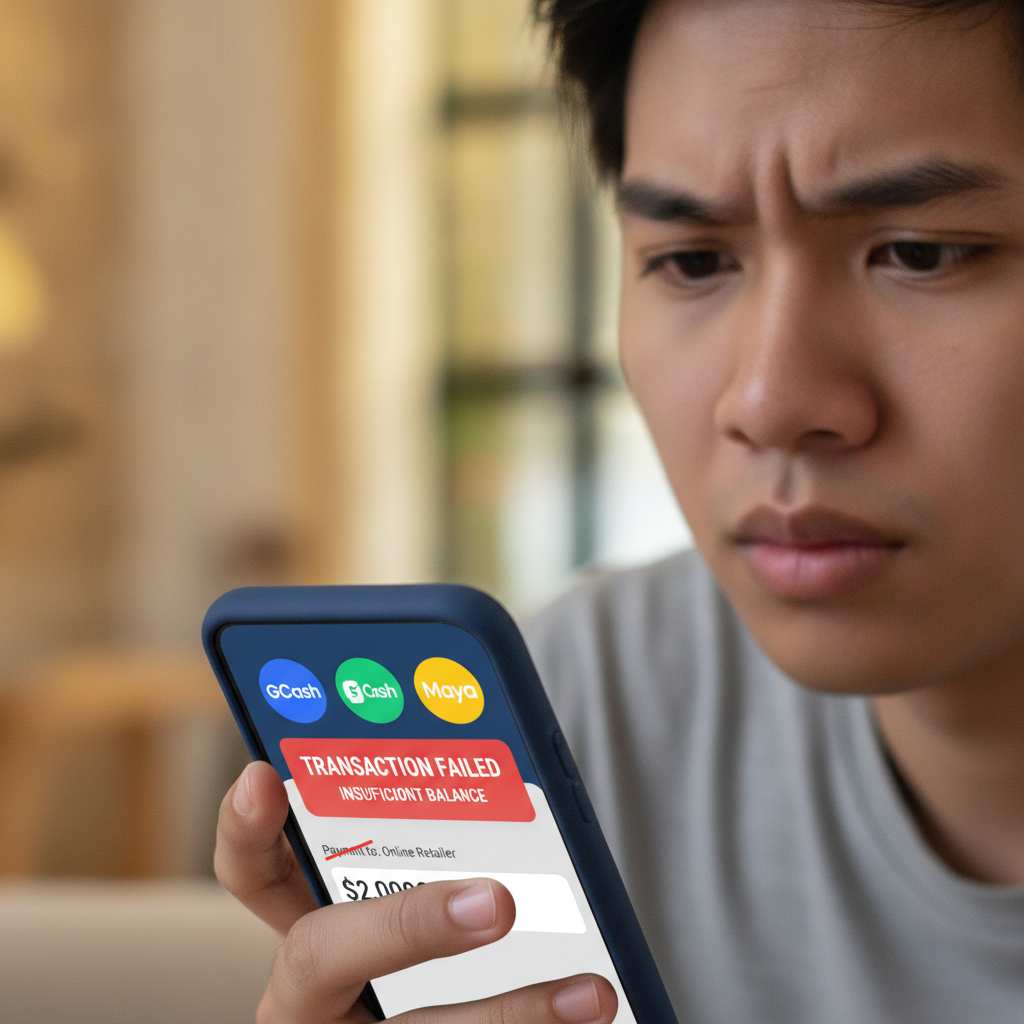
A failed or rejected withdrawal at Majestic Win can be frustrating, especially when you're expecting your winnings to arrive in your GCash, Maya, or bank account. This guide explains the most common reasons why a Majestic Win withdrawal fails and the specific steps you can take to fix the issue and resubmit your cashout request.
Most Common Reasons for Failed or Rejected Cashouts
Incomplete or Pending Verification
The number one reason for a failed Majestic Win withdrawal is incomplete account verification. Philippine online casinos are required to confirm player identity before processing cashouts. If Majestic Win has not yet verified your ID, selfie, or proof of address, your withdrawal will be rejected or held in pending status until you complete the process.
Bonus Wagering Not Met
If you claimed a welcome bonus, reload offer, or free spins at Majestic Win, you must complete the wagering requirement before you can withdraw. For example, a bonus with 10× rollover means you need to bet ten times the bonus amount on eligible games. Attempting to cash out before meeting this condition will trigger an automatic rejection.
Wrong Payment Method Details
Majestic Win processes withdrawals to the same method you used for your deposit. If you deposited via GCash but enter a Maya account number at withdrawal, or if the name on your e-wallet does not match your registered casino account name, the transaction will fail. Double-check that the mobile number or account name is correct and matches your deposit method.
Withdrawal Amount Below the Minimum
Majestic Win sets a minimum withdrawal threshold—commonly PHP 100 or PHP 200 depending on the payment channel. If your cashout request is below this limit, it will be declined. Check the platform's cashier page for current minimums for GCash, Maya, InstaPay, and PESONet.
Daily or Weekly Withdrawal Limits Exceeded
Some accounts have daily or weekly cashout caps. If you've already withdrawn the maximum allowed amount in the current period, a new request will be rejected until the limit resets. VIP or higher-tier players may have larger limits, but standard accounts often face tighter restrictions.
Technical Errors or E-Wallet Downtime
Occasionally, a withdrawal fails due to temporary downtime on GCash, Maya, or the banking network (InstaPay or PESONet). Network congestion, system maintenance, or server issues on either Majestic Win's side or the payment provider's side can cause transactions to time out or be declined. These are usually short-term problems that resolve within hours.
Account Flag or Security Hold
If Majestic Win's security team detects unusual activity—multiple login locations, a spike in bet size, or shared device fingerprints—your account may be flagged for review. During this period, all withdrawals will be blocked until the investigation is complete and your account is cleared.
Verification Requirements That Block Withdrawals
Valid Government-Issued ID
Majestic Win typically requires a clear photo of a Philippine government-issued ID: a driver's license, passport, UMID, postal ID, or national ID. The image must show your full name, date of birth, photo, and ID number. Expired IDs or cropped screenshots are usually rejected.
Selfie Holding Your ID
Many Filipino online casinos, including Majestic Win, ask for a selfie where you hold your ID next to your face. This confirms that the person registering is the same person in the ID photo. Make sure your face and the ID details are both clearly visible, well-lit, and not blurred.
Proof of Address
Some players are asked to upload a recent utility bill, bank statement, or government letter showing their name and current address. This document should be dated within the last three months. If you live in a province and the address on your ID differs from your current location, be prepared to explain or provide updated proof.
E-Wallet or Bank Account Verification
To withdraw via GCash or Maya, the mobile number linked to your e-wallet must match the number registered on your Majestic Win account. For InstaPay or PESONet bank transfers, the account holder name must exactly match your casino account name. Mismatches will cause the cashout to fail or be returned.
How Long Verification Takes
First-time verification at Majestic Win usually takes 24 to 72 hours. If you submit documents during weekends or holidays, expect delays. Once approved, future withdrawals are typically faster—often within a few hours for GCash and Maya, or one to two business days for bank transfers.
Account or Payment Method Mismatches
Name Discrepancies
If your Majestic Win account is registered under "Juan Dela Cruz" but your GCash is under "J. Dela Cruz" or a nickname, the withdrawal will be rejected. Contact support to update your account name or re-register your e-wallet with your full legal name before attempting another cashout.
Using a Different E-Wallet for Withdrawal
Majestic Win's policy generally requires you to withdraw using the same method you deposited with. If you deposited PHP 300 via GCash, you must withdraw to that same GCash number. Switching to Maya or a bank account mid-transaction often triggers a security review or automatic rejection.
Multiple Accounts Under One Payment Method
If two or more Majestic Win accounts are linked to the same GCash number or bank account, the platform may flag both for potential abuse. Only one account per person and per payment method is allowed. Attempting to withdraw from duplicate accounts will result in a block.
Incorrect Mobile Number or Account Number Entry
A simple typo in your GCash mobile number, Maya account, or bank account number will cause the funds to go to the wrong recipient—or bounce back after several days. Always copy-paste or double-check every digit before confirming your withdrawal request.
How to Contact Support and Resubmit Your Withdrawal
Live Chat
The fastest way to resolve a failed Majestic Win withdrawal is through the platform's live chat. Open the Majestic Win app or mobile site, tap the support or help icon, and explain the issue. Have your account username, registered mobile number, and transaction reference number ready. Live chat agents can check your verification status, wagering progress, and payment method details in real time.
Email Support
If live chat is offline or you prefer a written record, send an email to Majestic Win's support address (usually listed in the app footer or help section). Include your username, the date and amount of the failed withdrawal, a screenshot of the error message if available, and a brief description of the problem. Response time is typically 24 to 48 hours.
Check Your Email and SMS
After a withdrawal fails, Majestic Win often sends an email or SMS explaining the reason—such as "verification required" or "wagering incomplete." Check your inbox and spam folder, and follow any instructions provided. If the message asks you to upload documents, do so promptly to avoid further delays.
Resubmitting Your Withdrawal
Once you've fixed the issue—uploaded your ID, met the wagering requirement, corrected your e-wallet number, or waited for a security review to clear—log back into Majestic Win and submit a new withdrawal request. Go to the cashier or withdrawal page, select your payment method, enter the amount, and confirm. If everything is in order, the new request should process within the standard timeframe for your chosen method.
Escalation for Persistent Problems
If your withdrawal continues to fail after multiple attempts and support has not resolved the issue, ask to escalate your case to a supervisor or the payments team. Provide all relevant screenshots, transaction IDs, and correspondence. Persistent technical or policy issues may require higher-level review.
Tips to Avoid Future Withdrawal Failures
- Complete verification early: Upload your ID and selfie as soon as you register, even before your first deposit.
- Read bonus terms carefully: Know the rollover requirement and eligible games before you start playing with bonus funds.
- Use one payment method consistently: Deposit and withdraw with the same GCash or Maya number to minimize mismatches.
- Keep your account details up to date: If you change your mobile number or move to a new address, update your Majestic Win profile immediately.
- Withdraw during business hours: Cashouts submitted on weekdays often process faster than those made late at night or on weekends.
- Stay within limits: Check your daily and weekly withdrawal caps before requesting a large cashout.
21+ Only and Responsible Gambling Reminder
Majestic Win is intended for players aged 21 and over. Online casino gaming and sports betting should be for entertainment only. Set a budget for your deposits and withdrawals, and never chase losses. If you feel you are spending more time or money than you can afford, take a break or seek help from a responsible gambling support organization in the Philippines. Play responsibly and know when to stop.