Majestic Win Maya Deposit and Withdrawal: Complete Walkthrough
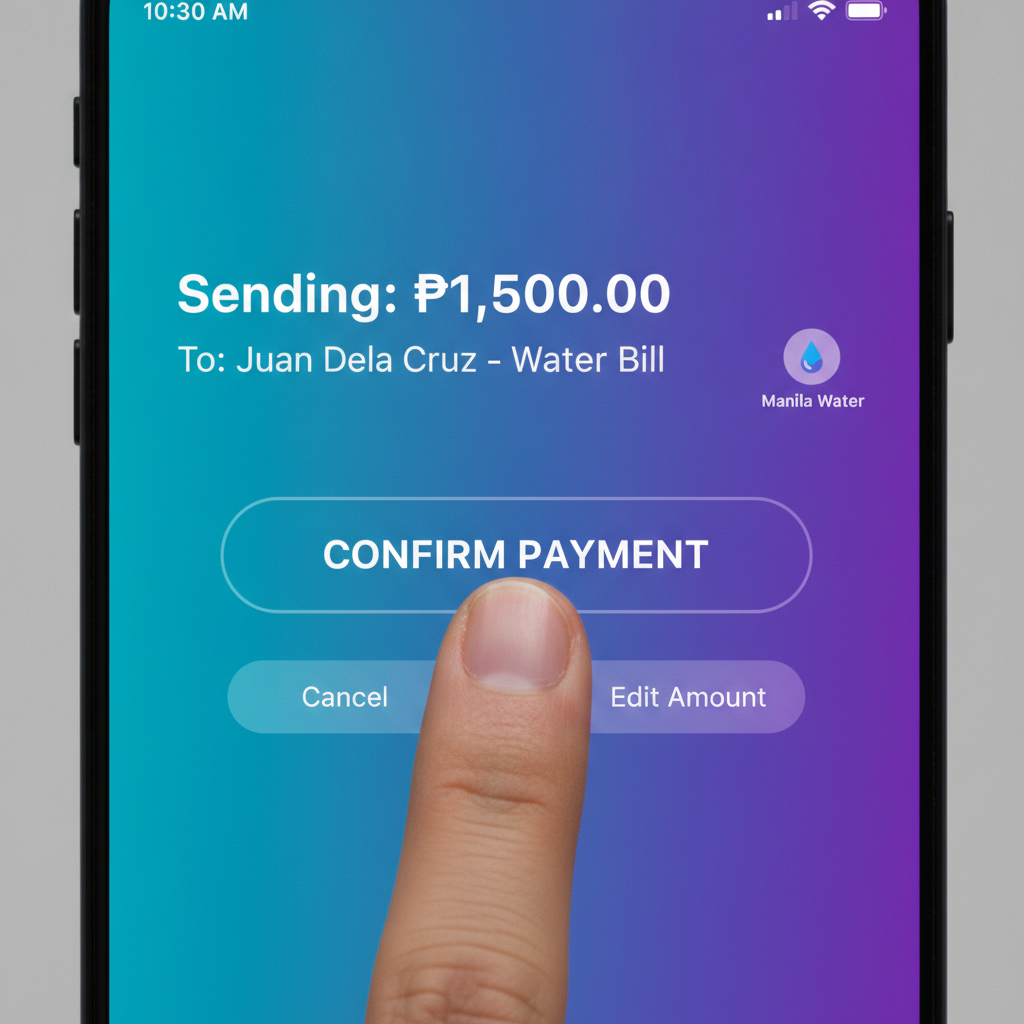
Step-by-Step Maya Deposit Process on Mobile
Majestic Win accepts Maya as a payment method for Filipino players who want to load their casino account quickly. The deposit flow is designed for mobile screens and takes about two minutes when your Maya wallet has sufficient balance.
Before you start: Make sure your Maya app is installed, your account is verified, and you have enough peso balance to cover your intended deposit. Majestic Win typically accepts deposits from PHP 100 upward when using Maya.
- Log in to your Majestic Win account on your Android phone or mobile browser.
- Tap the Deposit or Cashier button, usually located at the top right of the screen or in the main menu.
- Select Maya from the list of payment options. You may see it grouped with e-wallets alongside GCash.
- Enter your deposit amount in pesos. Check the minimum and maximum limits displayed on the screen—most players deposit between PHP 100 and PHP 5,000 per transaction.
- Confirm the transaction details. The screen will show the amount and may display any applicable fees (Maya deposits at Majestic Win are usually free of charge from the casino side, but always verify).
- You will be redirected to the Maya payment gateway. This may open the Maya app automatically if it's installed, or take you to a mobile web page.
- Authorize the payment inside Maya. Enter your Maya PIN, use fingerprint, or confirm with face unlock, depending on your Maya security settings.
- Wait for confirmation. Maya will show a success message, and you'll be redirected back to Majestic Win. Your peso balance should update within seconds.
If your balance does not appear immediately, wait one to two minutes and refresh the Majestic Win lobby. Most Maya deposits credit instantly, but network delays can occasionally add a short wait.
How to Withdraw Winnings to Your Maya Wallet
When you're ready to cash out, Majestic Win lets you send winnings back to the same Maya account you used for deposits. Withdrawal processing times are longer than deposits—typically several hours to one business day—because the casino reviews each request for security and compliance.
Prepare your account: Before your first Majestic Win withdrawal, confirm that your casino account is fully verified. This usually means you've uploaded a valid government ID and proof of address. If verification is incomplete, your withdrawal request will be delayed or declined.
- Log in and open the Cashier or Withdraw section. Look for a "Withdrawal" or "Cash Out" menu item.
- Choose Maya as your withdrawal method. You'll see the same list of e-wallets and bank transfer options available for deposits.
- Enter the amount you want to withdraw in pesos. Check the displayed minimum (often PHP 100 or PHP 200) and maximum per transaction.
- Provide or confirm your Maya account details. Majestic Win will ask for the mobile number linked to your Maya wallet. Double-check that the number matches your verified Maya account exactly—incorrect numbers cause failed payouts.
- Submit your withdrawal request. You'll see a confirmation message and a reference or transaction ID. Keep this ID if you need to follow up with support.
- Wait for processing. Majestic Win reviews withdrawal requests during business hours. Once approved, the funds are sent to Maya. Total time from request to money in your Maya wallet usually ranges from a few hours to 24 hours, though it can take longer during weekends or holidays.
You'll receive a notification from Maya when the money arrives. Open your Maya app to confirm the credited amount.
Maya Transaction Limits, Fees and Processing Times
Understanding limits and fees helps you plan deposits and withdrawals without surprises.
Deposit limits: Majestic Win sets a minimum deposit amount, typically PHP 100 or PHP 200 when using Maya. The maximum per transaction varies but is often around PHP 50,000. Some players hit daily or weekly deposit caps depending on their account status or any self-imposed responsible gambling limits.
Withdrawal limits: Minimum withdrawals usually start at PHP 100 to PHP 300. Maximum cashout per transaction can range from PHP 10,000 to PHP 50,000, and there may be daily or monthly caps. VIP or high-roller accounts sometimes enjoy higher limits.
Fees: Majestic Win generally does not charge a fee for Maya deposits. Withdrawals are also often free, but always review the cashier screen before confirming—some casinos apply a small processing fee or percentage during certain promotions or for lower-tier accounts. Maya itself may charge a minimal fee on its side for cash-in or cash-out transactions, depending on your Maya account type and current promotions; check the Maya app for details.
Processing times:
- Deposits: Instant to two minutes. Funds appear in your Majestic Win balance as soon as Maya confirms payment.
- Withdrawals: Typically 6 to 24 hours. The casino's internal review takes the bulk of the time. Once released, transfer to your Maya wallet is usually instant. Requests submitted late at night or on weekends may queue until the next business day.
If a withdrawal takes longer than 24 hours, check your email for messages from Majestic Win support, and verify that your account documents are approved.
Troubleshooting Failed Maya Deposits or Cashouts
Even with a smooth process, technical glitches or user errors can block transactions. Here's how to diagnose and fix the most common Maya payment issues at Majestic Win.
Deposit failed or money deducted from Maya but not credited:
- Wait five minutes and check your Majestic Win balance again. Delays during peak hours or Maya system maintenance can cause a lag.
- Open your Maya transaction history to confirm the payment went through and wasn't declined.
- If Maya shows "Success" but Majestic Win shows no deposit, take a screenshot of the Maya receipt (showing transaction ID, amount, date, and merchant name) and contact Majestic Win support via live chat or email. Include your casino username and the exact deposit amount.
- Avoid placing a duplicate deposit while the first is pending—wait for resolution to prevent double charges.
Deposit declined at the Maya gateway:
- Check your Maya wallet balance. Insufficient funds will cause an instant decline.
- Verify that your Maya account is active and not restricted. Log in to Maya separately to ensure there are no alerts or required actions (such as identity re-verification).
- Try a smaller amount. If your deposit is above Majestic Win's maximum or your own Maya sending limit, the transaction will fail.
- Update your Maya app to the latest version. Outdated apps sometimes have compatibility issues with payment gateways.
Withdrawal request pending for more than 24 hours:
- Log in to Majestic Win and check the status in your transaction history or cashier. Look for notes like "Pending Verification" or "Processing."
- Confirm that you've met any wagering requirements tied to bonuses. If you claimed a welcome bonus or reload offer, you may need to play through the bonus amount a set number of times before cashing out.
- Ensure your account verification is complete. Majestic Win may request a new ID photo or proof of address if your documents are outdated.
- Contact support through live chat if there's no status update after 48 hours. Provide your withdrawal reference number and registered Maya mobile number.
Withdrawal rejected or reversed:
- Check your email for an explanation from Majestic Win. Common reasons include mismatched account names, incorrect Maya mobile number, or failure to meet bonus terms.
- If the mobile number is wrong, update it in your profile or contact support to correct it before resubmitting your cashout request.
- If bonus rules were violated, the casino may forfeit bonus winnings but return your original deposit balance.
Maya wallet not appearing as a withdrawal option:
- Confirm you made at least one successful Maya deposit. Many casinos require you to withdraw using the same method you deposited with.
- Clear your mobile browser cache or restart the Majestic Win app if the withdrawal page isn't loading correctly.
- Check if Majestic Win has temporarily disabled Maya withdrawals for maintenance—rare, but it happens. Try again later or choose an alternative like GCash or bank transfer via InstaPay.
21+ Only and Responsible Gambling Reminder
Majestic Win is intended for players aged 21 and above. Online casino gaming and sports betting should be treated as entertainment, not a way to make money. Set a budget before you play, and never deposit more than you can afford to lose.
If you feel your gambling is becoming a problem, take a break. Majestic Win offers self-exclusion and deposit limit tools in your account settings. You can also reach out to local problem-gambling support services for confidential help.
Maya's instant deposit feature makes it easy to top up your account, but fast access also means it's important to stay mindful of your spending. Review your Maya transaction history regularly to keep track of how much you're depositing, and set personal limits to stay in control.
This guide is an independent resource for existing Majestic Win players using Maya in the Philippines. It is not published or endorsed by Majestic Win or Maya. Always refer to the official Majestic Win cashier and support pages for the latest terms, limits, and policies.