Majestic Win GCash Withdrawal: Step-by-Step Guide and Troubleshooting
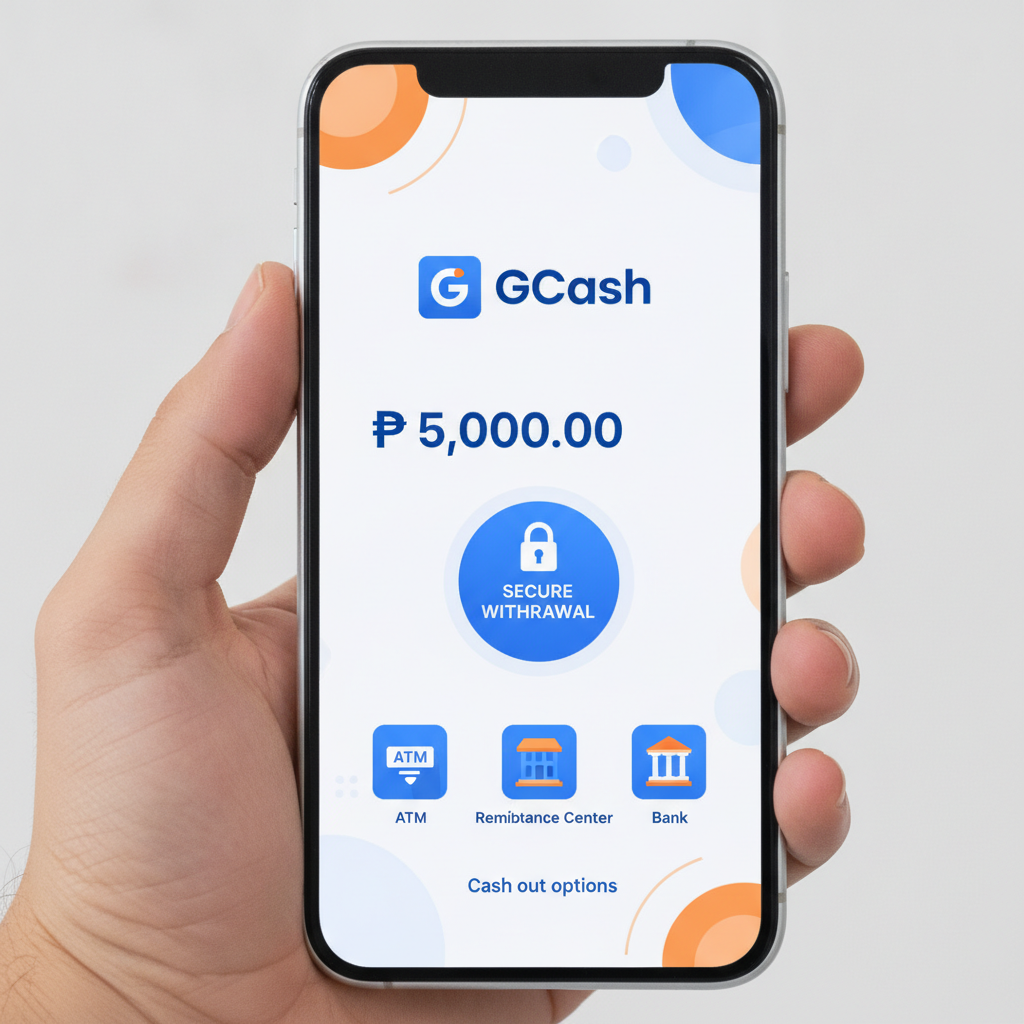
Majestic Win GCash Withdrawal: Step-by-Step Guide and Troubleshooting
GCash is one of the fastest ways to cash out winnings from Majestic Win. This guide walks you through the withdrawal process, explains limits and fees, and shows how to resolve common errors when moving money from your casino account to your GCash wallet.
How to Request a GCash Cashout from Your Majestic Win Account
Follow these steps to withdraw funds to GCash:
- Log in to your Majestic Win account on Android, iOS, or desktop browser.
- Tap the Cashier or Withdraw button, usually found in the account menu or bottom navigation.
- Select GCash from the list of available withdrawal methods.
- Enter the amount you want to withdraw in PHP. Make sure it falls within the minimum and maximum limits shown on the screen.
- Confirm your registered GCash mobile number. This must match the number you used for deposits and the number verified during account setup. If your GCash number has changed, contact Majestic Win support before requesting a cashout.
- Review the transaction details—check the amount, GCash number, and any fees.
- Tap Confirm or Submit to send the withdrawal request.
You will receive an on-screen confirmation and usually an email or SMS notification. The funds typically arrive in your GCash wallet within minutes to a few hours, depending on processing times and verification status.
Important: Majestic Win requires that you withdraw using the same method you used to deposit. If you loaded your account with GCash, your first withdrawal must go back to GCash. This is a standard anti-money-laundering measure.
GCash Withdrawal Limits, Fees and Daily Caps
Understanding the limits and costs helps you plan cashouts and avoid rejected transactions.
Minimum and Maximum Withdrawal Amounts
Majestic Win sets a minimum GCash withdrawal around PHP 100 to PHP 200. The exact floor varies by account status and promotions, so check the cashier page for the current minimum.
The maximum per transaction is typically PHP 10,000 to PHP 50,000. Verified accounts with a history of deposits may enjoy higher limits. If you need to withdraw more, you can submit multiple requests across different days, respecting daily caps.
Daily and Monthly Caps
Most players face a daily withdrawal limit of PHP 50,000 to PHP 100,000 total across all cashout methods. VIP or high-roller accounts may have higher ceilings.
Monthly caps are less common but can apply to newer accounts. Check your account dashboard or contact support if you are unsure about your specific limits.
Fees
Majestic Win typically does not charge a withdrawal fee for GCash cashouts. However, GCash itself may apply a small receiving fee or instant cash-in charge, usually around PHP 10 to PHP 15 for amounts over a certain threshold. Check the GCash app for the latest fee schedule.
If you make frequent small withdrawals, fees can add up. Consolidating cashouts into larger, less frequent transactions can save money.
Common GCash Withdrawal Errors and How to Fix Them
Even straightforward GCash withdrawals can hit snags. Here are the most frequent issues and practical fixes.
"Withdrawal Declined" or "Transaction Failed"
Causes:
- Your account has not met wagering requirements tied to a bonus or promotion.
- Your GCash number does not match the verified number on file.
- You are trying to withdraw more than your available balance or the daily limit.
- Your account is flagged for additional verification.
How to Fix:
- Check if you have an active bonus. Log in to the promotions or bonus section and see if wagering is incomplete. You may need to play through bonus funds before cashing out.
- Confirm that the GCash mobile number in the withdrawal form matches the number registered with Majestic Win. Update your details through the account settings or contact support.
- Review your account balance and subtract any locked or bonus funds. Only the withdrawable cash balance can be cashed out.
- If your account is under review, customer support will notify you. Provide any requested documents—ID, selfie, or proof of address—to lift the hold.
"Pending" Withdrawal That Takes Too Long
GCash cashouts are usually fast, but sometimes a withdrawal stays in "pending" status for hours or even a day.
Causes:
- Manual review triggered by the amount, first-time cashout, or account activity.
- Weekend or holiday processing delays.
- Technical issues on Majestic Win's payment processor or GCash side.
How to Fix:
- Wait at least 24 hours before contacting support. Many pending requests clear automatically.
- Check your email and SMS for messages from Majestic Win. You may be asked to verify your identity or confirm the transaction.
- If more than 24 hours pass, reach out to Majestic Win support via live chat or email. Provide your transaction ID and GCash number.
- Do not submit duplicate withdrawal requests. Multiple pending cashouts can cause confusion and further delays.
"Invalid GCash Number" or "Number Not Verified"
This error means the GCash mobile number you entered does not match the verified number in your Majestic Win account.
How to Fix:
- Double-check the 11-digit GCash number. It should start with 09 and match the format used in the Philippines.
- Log in to your account settings and confirm the registered mobile number. If it is incorrect or outdated, update it and complete SMS or email verification.
- If you recently changed your GCash number, contact Majestic Win support to update your payment details. You may need to submit proof of ownership, such as a screenshot of your GCash profile.
"Exceeded Daily Limit"
You have hit your daily or per-transaction withdrawal cap.
How to Fix:
- Wait until the next day (limits usually reset at midnight Manila time) and submit a new request.
- Split large cashouts across multiple days.
- If you are a regular player, ask Majestic Win support about upgrading to a VIP tier with higher limits.
GCash Wallet Not Receiving Funds
The withdrawal shows "completed" or "processed" on Majestic Win, but your GCash balance has not updated.
Causes:
- Delay in GCash's internal processing.
- Funds sent to a different or inactive GCash number.
- Network or server issues on GCash.
How to Fix:
- Open the GCash app, pull down to refresh your wallet balance, and check the transaction history.
- Wait up to 2 hours. GCash sometimes batches incoming credits.
- Verify that the mobile number displayed in the Majestic Win transaction receipt matches your active GCash account.
- If funds still do not appear after 2 hours, contact both Majestic Win support (with the transaction ID) and GCash customer service (dial *143# from your registered number or use the GCash app chat).
Tips for Faster GCash Payouts
Speed up your cashouts and avoid unnecessary delays with these practical tips.
Complete Full Account Verification Early
Majestic Win requires identity verification before processing withdrawals. Submit a clear photo of your government ID (driver's license, passport, or national ID), a selfie holding the ID, and proof of address if requested. Verified accounts enjoy faster processing and higher limits.
Use the Same GCash Number for Deposits and Withdrawals
Consistency reduces red flags. Always deposit and withdraw using the same GCash mobile number registered to your name.
Avoid Active Bonuses When You Want to Cash Out
Bonuses lock funds until you meet wagering requirements. If you plan to withdraw soon, skip the bonus or finish the playthrough first.
Withdraw During Business Hours
Although GCash is available 24/7, Majestic Win's finance team typically processes requests faster on weekdays between 9 AM and 6 PM Manila time. Weekend and late-night cashouts may sit in the queue longer.
Keep Your App and Account Details Updated
Use the latest version of the Majestic Win app. Outdated software can cause transaction errors. Also ensure your registered email and mobile number are current so you receive verification codes and support messages.
Consolidate Cashouts
Instead of withdrawing PHP 200 five times, request PHP 1,000 once. Fewer transactions mean lower cumulative fees and less processing overhead.
21+ Only and Responsible Gambling Reminder
Majestic Win is intended for players aged 21 and over only. Online gambling should be a form of entertainment, not a way to make money or solve financial problems.
Set a budget for deposits and withdrawals, take regular breaks, and never chase losses. If you feel gambling is affecting your well-being, seek help. The Philippines offers resources through the National Center for Mental Health and various community support groups.
Withdraw your winnings when you are ahead, and remember that every bet carries risk. Play responsibly and within your means.
This guide covers the essential steps, limits, and troubleshooting for Majestic Win GCash withdrawals. For questions about bonuses, registration, or other payment methods, refer to the related guides on this site or contact Majestic Win support directly.